


Free
$0/mo
For a personal site or a first experiment.
- 10K pageviews/month
- 1 website
- Core analytics
- Data never deleted

Simple website analytics for your next big idea. Follow your visitors, discover what clicks, and know where to go next.
Who is visiting? Where did they come from? Get your bearings with traffic, sources, and top pages in one view.
Find the busiest day in the chart.
A small expedition through sample data.
Live now
23
Pageviews
8,421
Bounce
38%
Find the busiest day. Scroll the chart and select its tallest bar.
Arriving now
Illustrative data. Your discoveries stay in this preview.
Events tracked, all time
…
Create a project, add one line, and start exploring. Try each step below.
A hands-on walkthrough. No account or website is created here.
Pick a question. Find the useful signal.
Visitors
1,442
Pageviews
8,421
Avg. time
1m 48s
Visitors, pageviews, sessions, bounce rate, and time on page in one readable overview. See countries, browsers, devices, and screen sizes.
Illustrative sample · All plansExplore websites using DataSag.

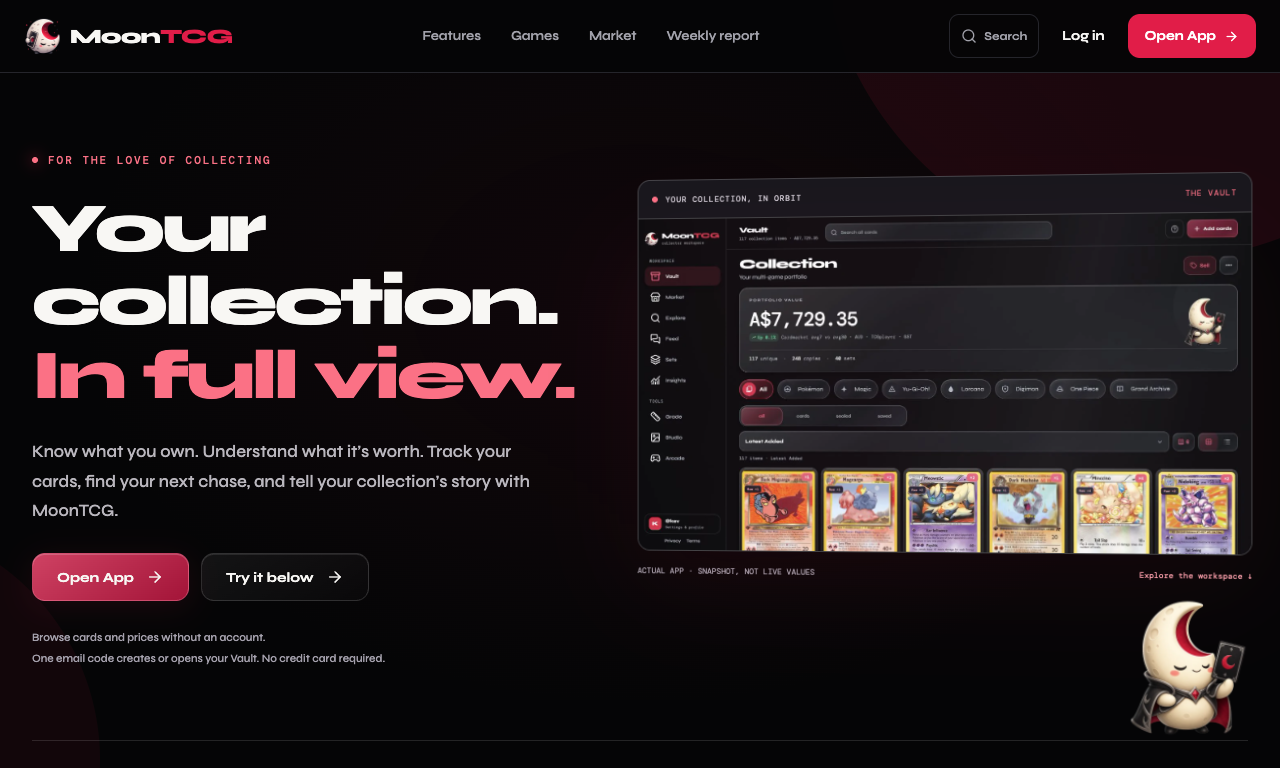
MoonTCGTCG collection tracker1 / 6
DataSag + ChatGPT
Available nowConnect your DataSag account
Ask ChatGPT about your site using DataSag analytics. Our read-only MCP connector brings traffic summaries, top pages, referrers, and saved domain health results into the conversation.
Read access you approve. ChatGPT can read permitted reports for your account. It cannot change or delete your DataSag data through this connection.
Add https://www.datasag.com/mcp as a custom MCP server in ChatGPT, then sign in and approve access.
You ask
“Which three pages had the most pageviews last week?”
Example answer using DataSag
Your homepage led in pageviews, followed by pricing and guides.
| Page | Pageviews |
|---|---|
| / | 1,620 |
| /pricing | 940 |
| /guides | 510 |
Pageviews count views, not unique people. Automated traffic may be included.
Other questions to explore
Designed to be disconnected
Sign in to DataSag and confirm which account you want to connect.
Approve or deny access to your projects and aggregated analytics, and saved domain health results when requested.
Disconnect in DataSag settings. Signing out of the DataSag session also ends its connection access.
The connector reads aggregated analytics, not raw event records. Page breakdowns remove query strings and fragments, and mask sensitive-looking path segments. Reports cover up to 90 days. Information shared with ChatGPT is subject to ChatGPT’s own settings.
Start collecting the data you’ll ask about. DataSag analytics is available now.
Start tracking freeGA4 is powerful and free. DataSag is for when you want the answer at a glance instead of a training course.
Google Analytics 4
6 stepsDataSag
1 stepDone. Go back to building.
More detail in Plausible vs Fathom vs DataSag vs GA4.
Start with the free field, then add room when your traffic earns it. Drag the slider to see which plan fits. Free needs no card.
Estimated monthly pageviews
25K
For a personal site or a first experiment.
For shipping teams who want the full signal.
For a small portfolio of sites with room to grow.
Anything else? Read the field notes.
Create a project, copy its tracking script, and paste it into the <head> of your site. It works on any site where you can add a script tag.
The tracker is about 3.5 KB gzipped and loads with defer, so it never blocks your page from rendering.
No. The Free plan covers 10K pageviews a month on one website and needs no card.
Yes. Call datasag.track("signup") from your code to record a custom event. Custom events and UTM campaign reports are part of the Studio plan.
No. Even on the Free plan, your data is never deleted.
Installation guides for Next.js, WordPress, React, Webflow, Framer and more.
Find your stack →Explore Google Search performance, technical health, AI citations and referred visits.
Try the free AI visibility kit →Free up to 10K pageviews a month. No card needed.
Start with a free project